
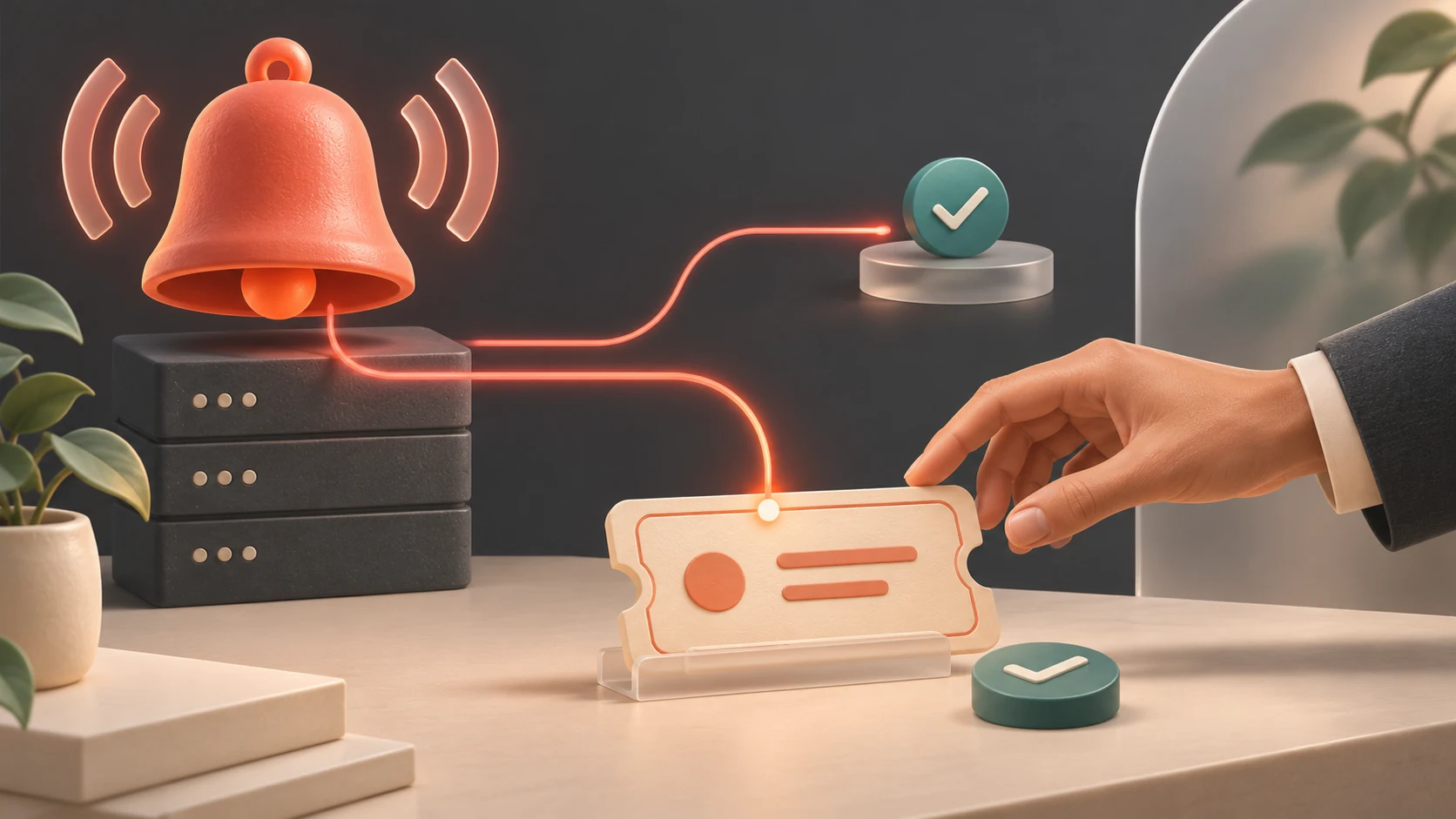
An alert email arrives at 2:00 a.m. It names a server and a threshold, but nobody acknowledges it until staff report a problem after opening time. The monitoring system may have done exactly what it was configured to do. The response arrangement still failed the business.
That is a hypothetical scenario, not an AXO customer incident. For a Malaysian SME paying for managed IT, it is a useful way to frame the next service review: ask the MSP to demonstrate how an alert becomes owned work, including outside normal office hours if that coverage is in your agreement.
Start with one business service
Choose a service whose interruption has a clear consequence, such as a warehouse application, a shared file service or an online customer portal. Ask which conditions are monitored and which are outside scope. A server being reachable does not establish that a user can complete an order.
Write down the person responsible for detection, the first responder, the escalation contact and the business owner who confirms recovery. Check whether “24-hour monitoring” in the service description includes an engineer responding overnight, or only continuous data collection. The agreement should make the actual coverage and response commitments understandable.
Keep the first drill small. A single service with named owners is easier to evaluate than a presentation listing hundreds of sensors.
Test delivery and response separately
Microsoft’s Azure Monitor action-group documentation explains that action groups define notification recipients and automated actions. It also provides a test facility for a saved action group, using a selected sample alert type and reporting success or failure. This is useful evidence about the configured notification route.
For the service review, distinguish that component test from a complete operational drill. A successful sample notification does not, by itself, demonstrate that the real monitoring condition detects a fault, that a service-desk ticket is created, or that a person accepts responsibility. Ask the MSP which parts were actually exercised and which remain untested.
Agree a controlled test plan before execution. Use a supported simulation or an isolated test resource where possible. Do not disconnect a production firewall or stop an important application merely to demonstrate that an alarm works. Identify anyone who might receive the test and label the exercise clearly.
Follow the evidence into the service desk
Hypothetical example: a distributor uses an approved test alert representing an unavailable warehouse service. The notification reaches the support mailbox, but an integration creates the ticket in a queue with no assigned engineer. The email was delivered; the drill has exposed a handover gap.
For that exercise, retain the event reference, notification time, ticket reference, acknowledgement time and assigned owner. Record the timezone, preferably explicitly as Malaysia time for the local review. Ask the responder to describe the first diagnostic action and the next update due to the customer.
Sending a message to a shared mailbox is not the same as recording an accountable responder. Decide how the backup contact is engaged if the first person does not acknowledge within the agreed interval. The interval should come from your service agreement and business requirements; there is no universal response target that fits every SME.
Check what happens during maintenance
Microsoft’s alert processing rules guidance describes suppressing action groups on fired alerts, including for scheduled maintenance. It distinguishes these processing rules from the alert rules that generate alerts. It also notes that processing rules do not affect Azure Service Health alerts.
Ask your MSP to show the exact scope and expiry of any maintenance suppression. Then agree how normal notifications will be verified afterward. A sensible maintenance decision can become a blind spot if its schedule, affected resources or ownership is misunderstood. Record the change reference so the next engineer can explain why the notification route behaved differently.
Make recovery acceptance part of the drill
Have the responder demonstrate the customer update they would send: affected service, known impact, current action and next update time. Separate confirmed findings from working theories. An early message can acknowledge investigation without promising a fix time that nobody has established.
Next, identify who tests the business function when the technical alarm clears. In the hypothetical warehouse example, the operations supervisor might validate a controlled order and its downstream output. Agree how test records are removed and who signs off the result.
Close the exercise with a short record of what passed, what failed and who owns each correction. Retest the failed section after it is fixed. Protect sensitive logs and configuration details in restricted storage; the management summary can reference that evidence without exposing credentials or customer data.
Ask for another drill after material changes to the support roster, monitoring platform or ticket integration. A quiet dashboard is reassuring only when the business understands what is covered and how someone will act. To discuss monitoring responsibilities and practical service review evidence, contact AXO Technologies.
Sources and dates
Published 4 November 2026. Microsoft documentation accessed on 4 November 2026; access dates are not publication dates. The scenarios and proposed management drill are original practical guidance. They do not assert that AXO supplies a particular tool, response time or support coverage.
- Microsoft Azure Monitor: action groups — notification actions and sample testing.
- Microsoft Azure Monitor: alert processing rules — maintenance suppression and scope; page last updated 24 April 2026.